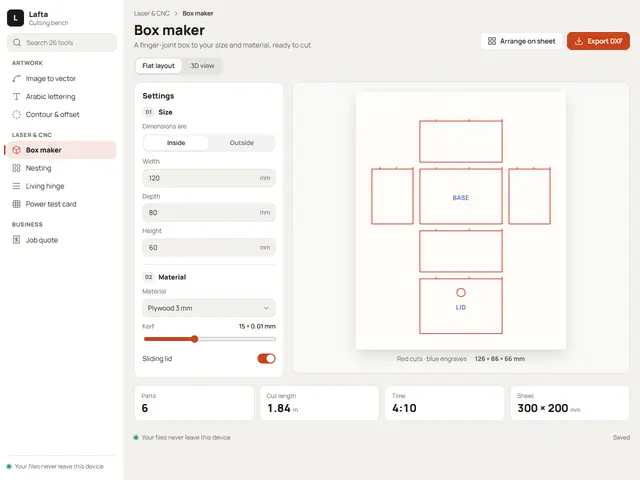
Bench
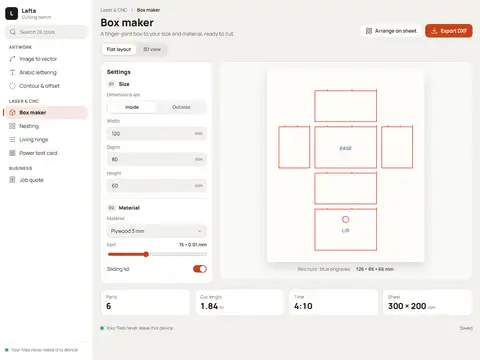
A workshop bench: tools grouped down a sidebar, settings beside the cutting sheet, and laser orange for the one button that matters.
Manrope
Working apps, not brochure sites
The tool a business works in every day: navigation by tool, a workspace in the middle, a settings panel beside it and figures that update with every change. For cutting workshops, dashboards, booking systems, kitchens and any software that is used more than it is browsed.
12 designs
12 designs
A workshop bench: tools grouped down a sidebar, settings beside the cutting sheet, and laser orange for the one button that matters.
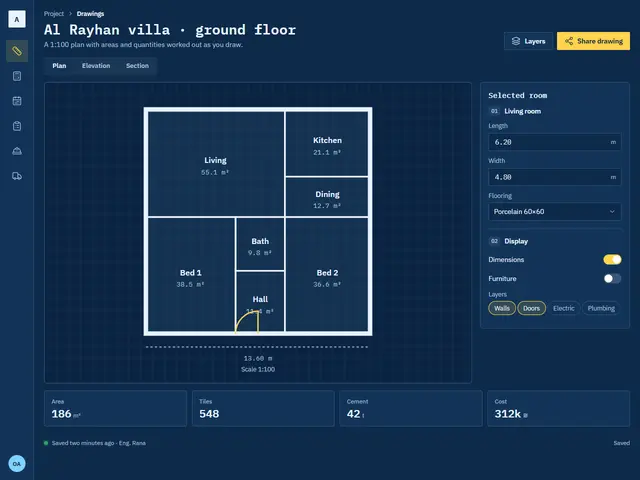
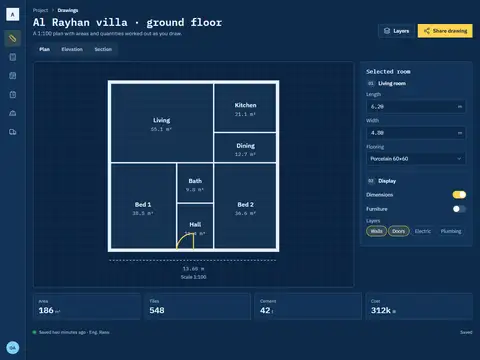
An engineering blueprint: white linework, typewriter figures and a narrow icon rail that leaves the drawing the whole screen.
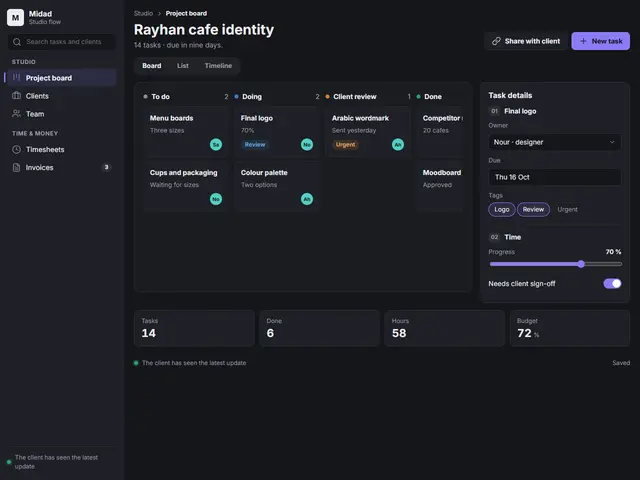
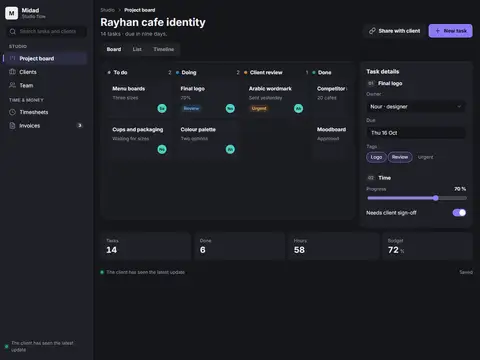
A dark project board with a violet edge: cards move between columns and a detail panel slides in from the side.
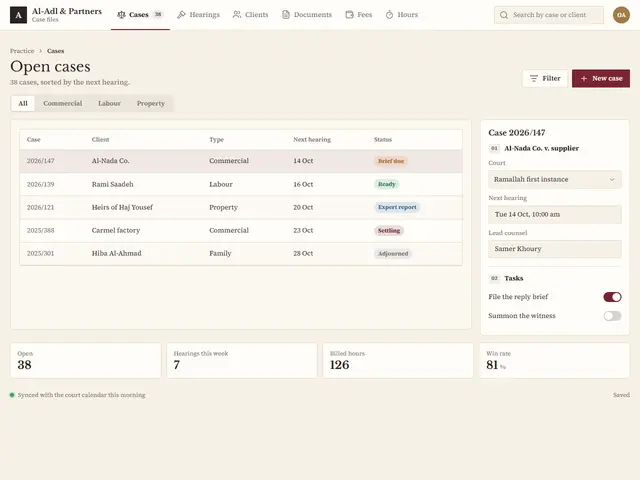
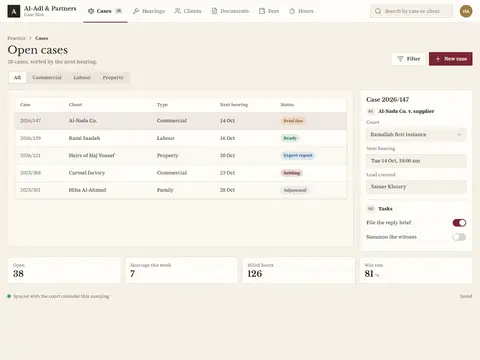
A case register on ivory paper in a serif and a judge's oxblood; a quiet table that reads like a ledger.
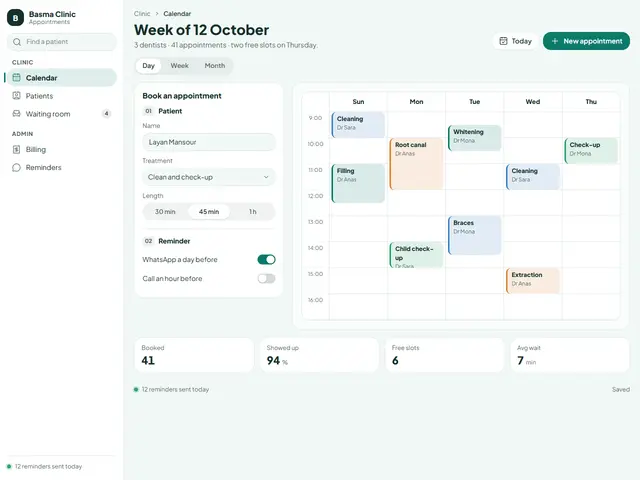
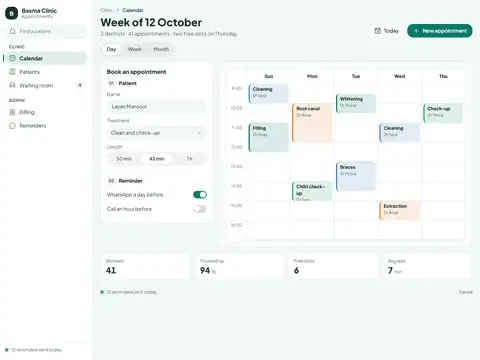
A clinic calendar in mint with soft edges: appointments coloured by dentist and a booking form always beside them.
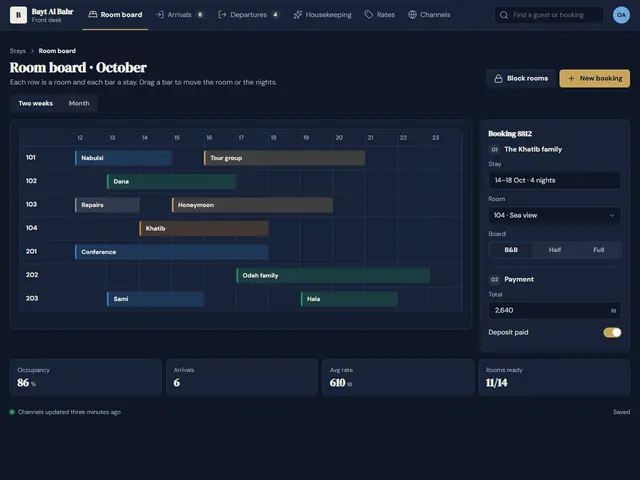
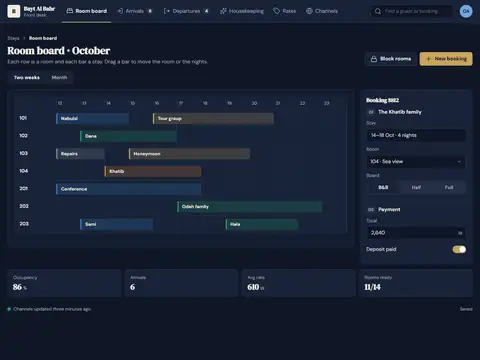
A hotel front desk in navy and brass: rooms are rows, stays are bars, and headings in a luxe serif.
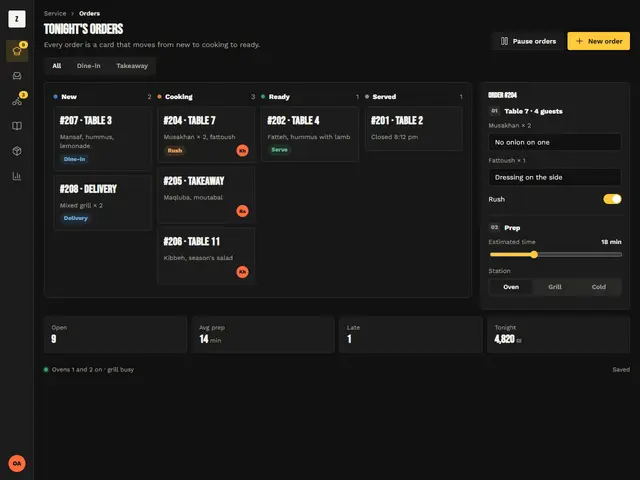
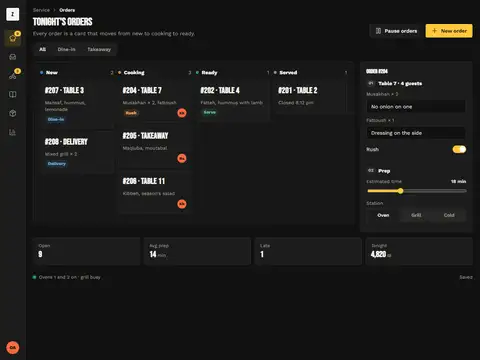
A kitchen screen you read from two metres: high-contrast black, chalk yellow for rush and giant order numbers.
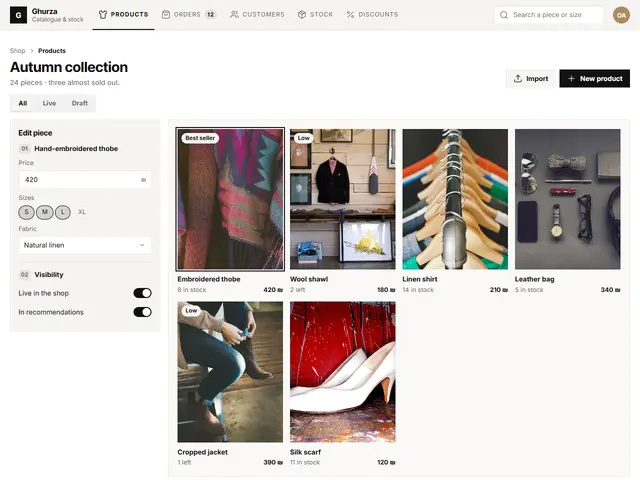
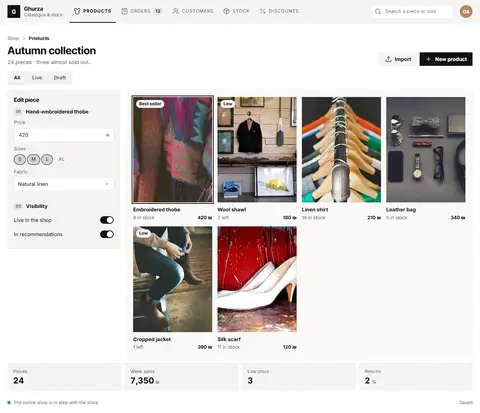
A shop admin without colour: product photos fill the grid, black ink and fashion-magazine details.
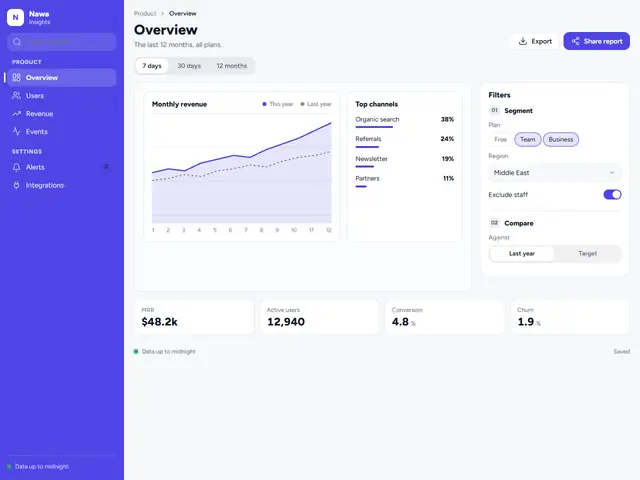
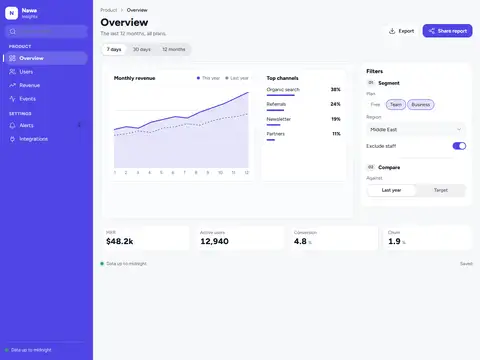
A clean data dashboard with an indigo sidebar, big figures and a two-line chart with soft curves.
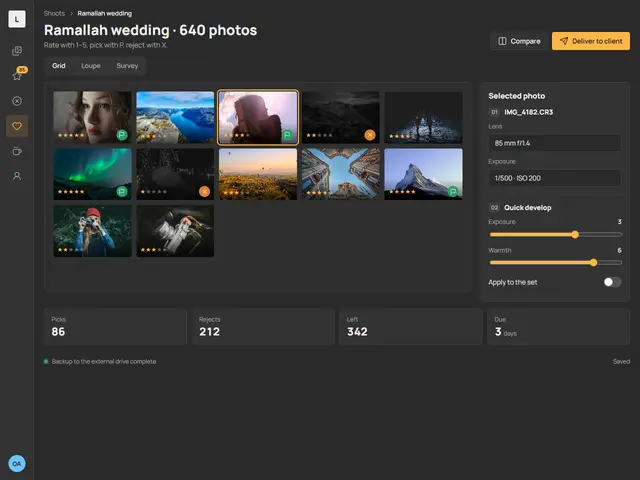
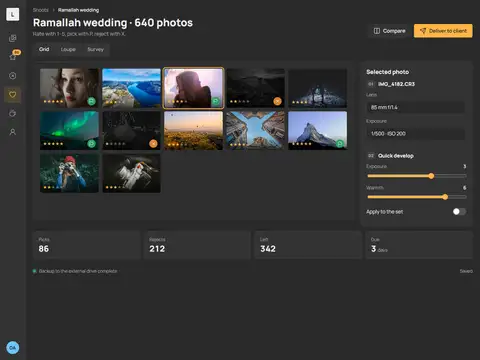
A culling room in a neutral grey that leaves colours alone, amber stars and flags, and a slim icon rail.
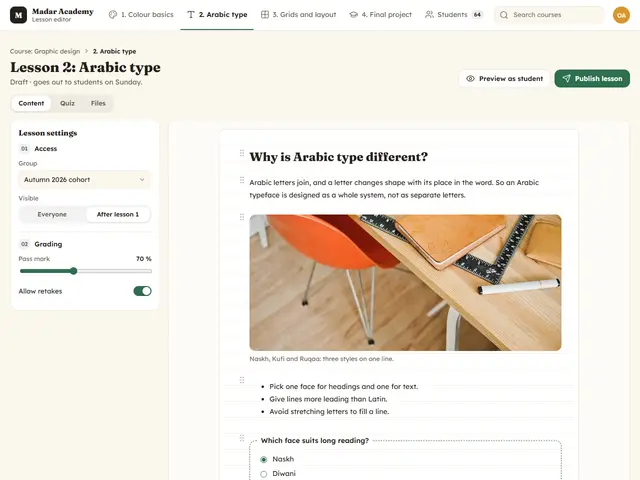
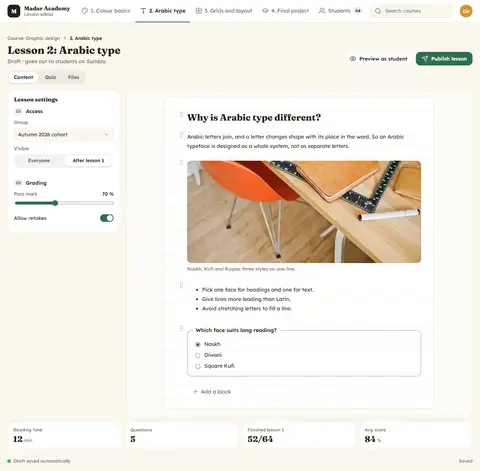
A lesson editor like a warm notebook: a friendly serif for headings, draggable content blocks and a short quiz at the end.
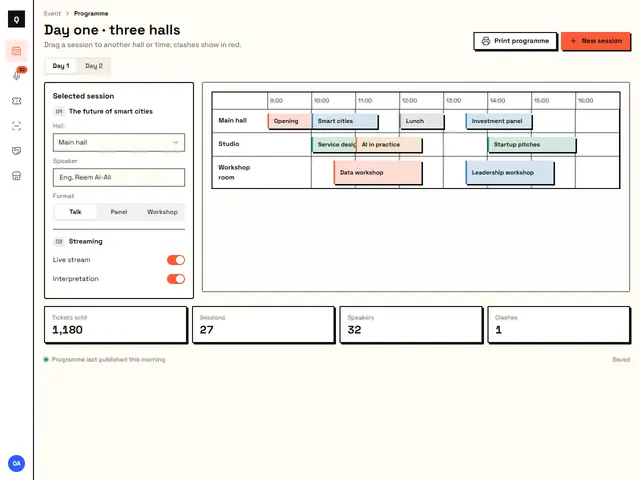
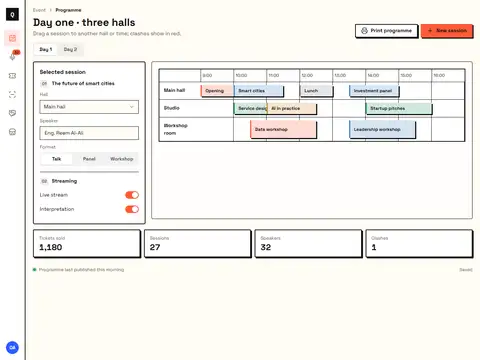
A conference planner in a bold style: thick black borders, pure coral and blue, and halls as lanes across the screen.