Bench
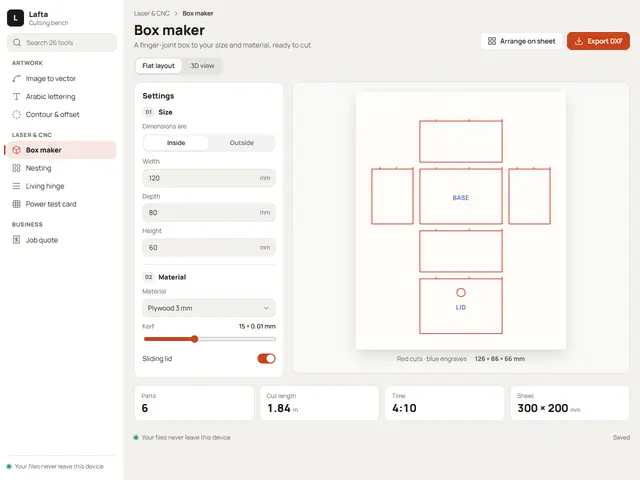
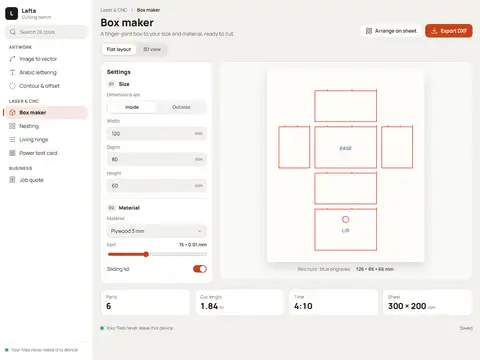
A workshop bench: tools grouped down a sidebar, settings beside the cutting sheet, and laser orange for the one button that matters.
Manrope
№ 315 · Tool interfaces · Demo for Creative agency
A dark project board with a violet edge: cards move between columns and a detail panel slides in from the side.
Motion: SubtleCorners: 8pxDark
Describe your project and the prompt updates as you type. What you write stays in your browser.
# Build an app interface in the "Graphite" style

You are building the interface of a working tool for daily use, not a landing page. Follow the design system below exactly, and give every tool in the project a page with the same shell. The design comes from the Qalib library (design No. 315).

## 1. The project

- Name: [fill in]
- Type of site: [fill in]
- What it does: [fill in]
- Languages: Arabic and English: Arabic first (RTL) and a full English version (LTR) with a language switch
- Pages: One page with sections and anchor links
- Contact details: [fill in]
- Assets: No photos yet: use suitable placeholders and mark each one TODO for replacement.

## 2. Visual reference

- Live demo (Arabic): https://qalib.omardeek.tech/demos/graphite/ar.html
- Live demo (English): https://qalib.omardeek.tech/demos/graphite/en.html

Each demo is one HTML file with all its CSS in a <style> tag. Download the raw file (for example `curl -s <url>`), not a summary of it, and treat its CSS as the source of truth for spacing, sizes and effects. The demo's business and text are fictional: never copy them.

## 3. Design DNA: Tool interfaces

The tool a business works in every day: navigation by tool, a workspace in the middle, a settings panel beside it and figures that update with every change. For cutting workshops, dashboards, booking systems, kitchens and any software that is used more than it is browsed.

- **Typography:** One clear typeface in medium weights for the whole interface, small precise sizes (13–15px for text) and tabular figures for values and measurements.
- **Colour:** A neutral app background with lighter panels, one accent for the most important action on each screen, and calm status colours (green, amber, red) for tags only.
- **Layout:** A full-screen app shell: fixed navigation (sidebar, icon rail or top tabs), a workspace header with title and actions, the workspace, and a fixed-width settings panel; on phones the panel becomes a bottom drawer.
- **Shapes:** Fields and buttons at one height (about 36px), hairline borders instead of heavy shadows, real switches, sliders and segmented controls.
- **Imagery:** The work itself is the picture: a cutting drawing, a plan, a calendar, cards, a table or product photos; line icons at one stroke weight.
- **Motion:** Quick and functional (120–200ms): highlighting the active item, opening panels and updating figures; no decorative motion.
- **Details:** Count badges beside navigation items, a status bar, keyboard shortcuts, and "saved" and "runs on your device" indicators.
- **Avoid:** Landing-page sections (big hero photos, testimonials, long footers), marketing copy and many accent-coloured buttons.

**This design in particular:** A dark project board with a violet edge: cards move between columns and a detail panel slides in from the side.

## 4. Design tokens

```css
:root {
  --bg: #15161A; /* page background */
  --surface: #1E2026; /* cards, panels, alternate sections */
  --ink: #EDEDF0; /* main text */
  --muted: #9B9DA8; /* secondary text */
  --accent: #8B7CF6; /* buttons, links, highlights */
  --accent2: #4FD1C5; /* second highlight */
  --line: #2C2E37; /* rules and borders */
  --on-accent: #0F0F14; /* text on the accent colour */
  --radius: 8px;
}
```

- Colour scheme: dark
- Fonts (available on Google Fonts and fontsource; self-host them):
  - Arabic headings: IBM Plex Sans Arabic (400, 600, 700)
  - Arabic text: IBM Plex Sans Arabic (400, 600, 700)
  - Latin headings: Inter (400, 500, 700)
  - Latin text: Inter (400, 500, 700)
- Type scale: h1: clamp(2.7rem, 6.2vw, 5.4rem) · h2: clamp(2rem, 4.2vw, 3.3rem) · h3: 1.25rem · text: 17px with 1.7 line height (Arabic 18px and 1.9) · max width 1200px · section spacing clamp(72px, 10vw, 136px)

## 5. Page structure

The demo shows a the working tool of a creative agency. Build the sections with these visual treatments, in this order:

1. **Navigation**: A fixed 248px sidebar: logo and tool name, a search field, then the tools in groups with small headings, each with an icon and a count badge where needed; the active item has a faint accent background and a bar on its edge.
2. **Workspace header** «Rayhan cafe identity»: A small breadcrumb, the page title with a line of description, action buttons at the end (only one in the accent colour), and segmented tabs beneath.
3. **Settings panel** «Task details»: A 300px details panel at the end edge that shows and edits whatever is selected in the workspace; sticky while scrolling.
4. **Workspace**: A board of columns (new, doing, review, done) with a count per column and cards holding a title, a line of detail, a coloured tag and the owner's initials.
5. **Figures**: Four equal figure tiles: a small grey label and a large tabular number with its unit.
6. **Status bar**: A status bar at the bottom: a green dot and a status line on one side, "Saved" on the other.

The same shell for every tool: fixed navigation, a workspace header whose title and actions change, a settings panel holding the open tool's fields, and a workspace showing what the tool makes. On phones the settings panel becomes a bottom drawer opened from a button in the header.

## 6. Motion

Subtle: elements fade up about 24px as they enter, staggered by 70ms; light lifts on hover.

## 7. Technical requirements

- **Stack:** Choose the stack that fits the project; prefer static HTML, CSS and JavaScript unless it needs more.
- Semantic HTML, mobile first, adapting at 360, 768, 1024 and 1440px, with no horizontal scrolling.
- Arabic: <html lang="ar" dir="rtl">, CSS logical properties (margin-inline-start, inset-inline-end…), mirrored directional icons, never letter-space or uppercase Arabic, and Arabic text at 18px or more.
- Accessibility: WCAG AA contrast, visible focus states, alt text on images, and all motion off under prefers-reduced-motion.
- Performance: self-hosted fonts with font-display: swap and only the weights and subsets in use, WebP or AVIF images with set dimensions, lazy loading below the first screen, and no heavy libraries for simple effects.
- SEO: a title and description for every page, Open Graph, a favicon, and LocalBusiness structured data where relevant.
- Buttons: WhatsApp links as https://wa.me/<number>, phone as tel:, email as mailto:.

## 8. Delivery

1. Start with the tokens and base styles, then build the sections from top to bottom.
2. Compare the result with the live demo at phone and desktop widths before you finish.
3. Finish with how to run the site and how to deploy it.
Paste it into Claude Code inside a new project folder.
A workshop bench: tools grouped down a sidebar, settings beside the cutting sheet, and laser orange for the one button that matters.
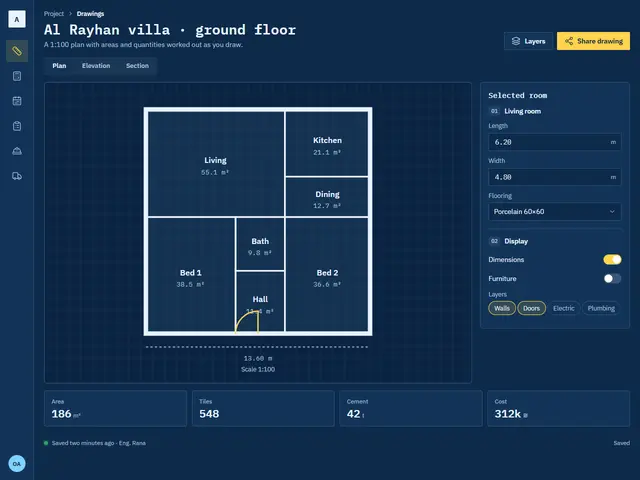
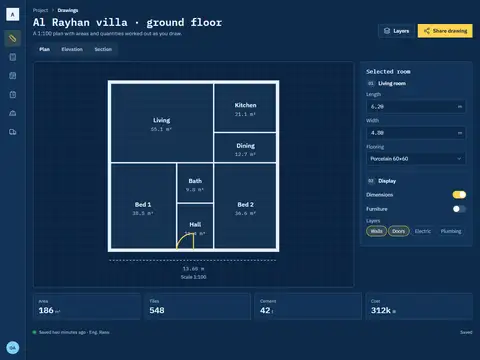
An engineering blueprint: white linework, typewriter figures and a narrow icon rail that leaves the drawing the whole screen.
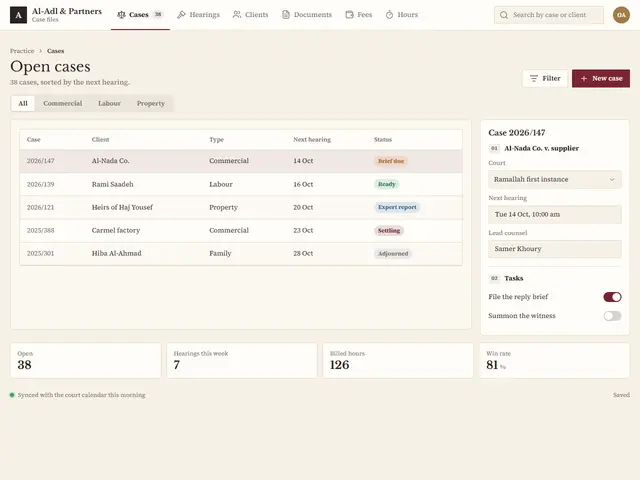
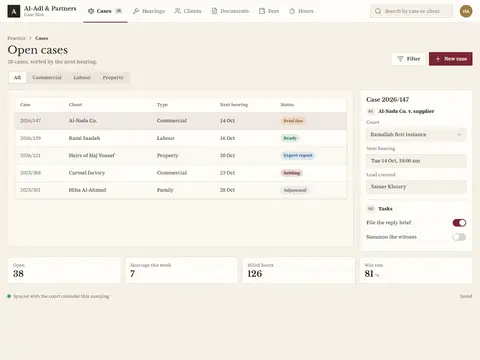
A case register on ivory paper in a serif and a judge's oxblood; a quiet table that reads like a ledger.
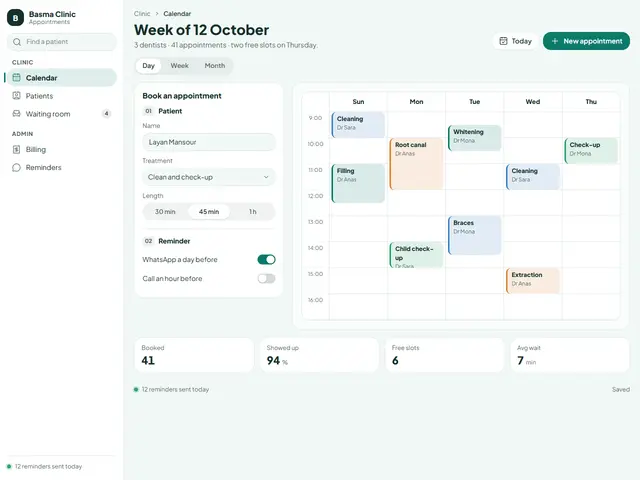
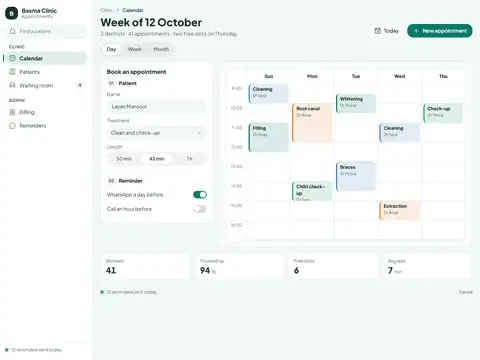
A clinic calendar in mint with soft edges: appointments coloured by dentist and a booking form always beside them.
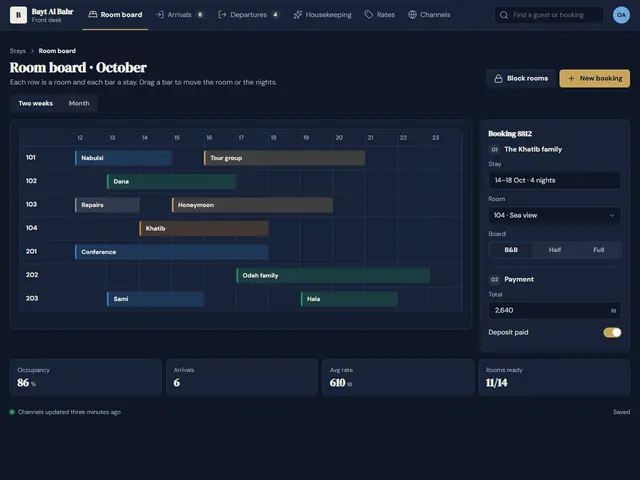
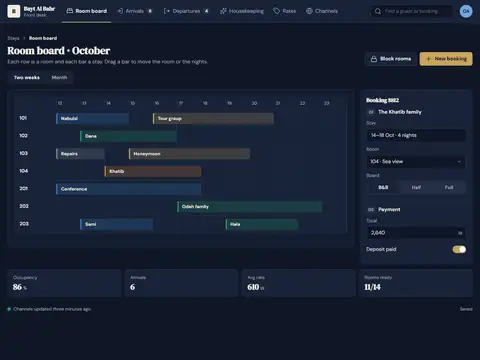
A hotel front desk in navy and brass: rooms are rows, stays are bars, and headings in a luxe serif.
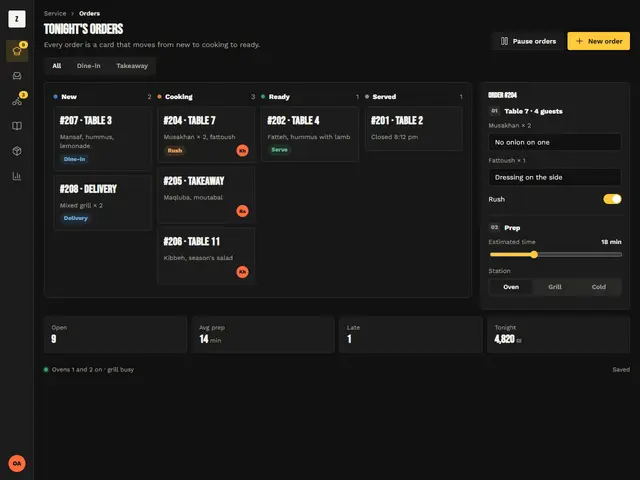
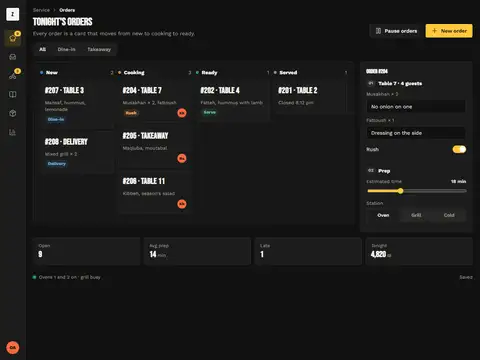
A kitchen screen you read from two metres: high-contrast black, chalk yellow for rush and giant order numbers.
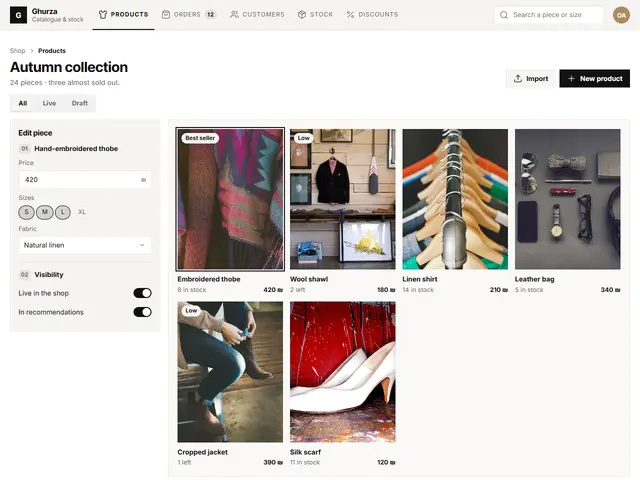
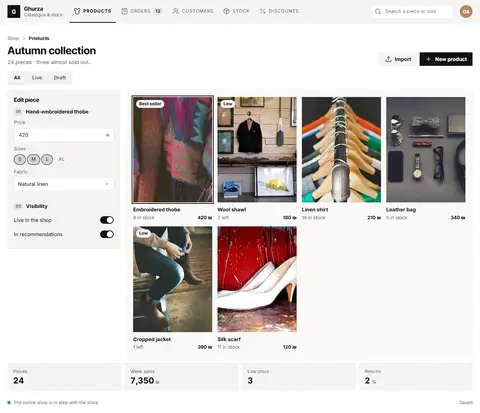
A shop admin without colour: product photos fill the grid, black ink and fashion-magazine details.
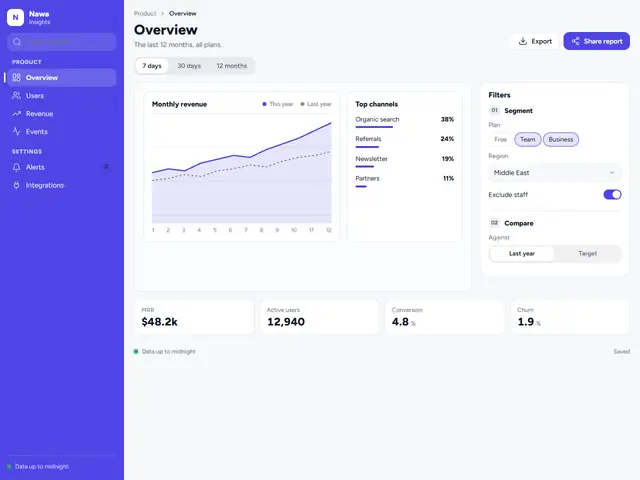
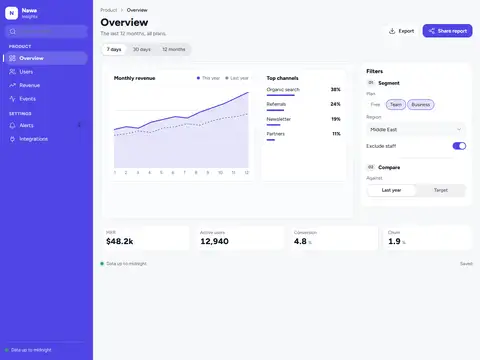
A clean data dashboard with an indigo sidebar, big figures and a two-line chart with soft curves.
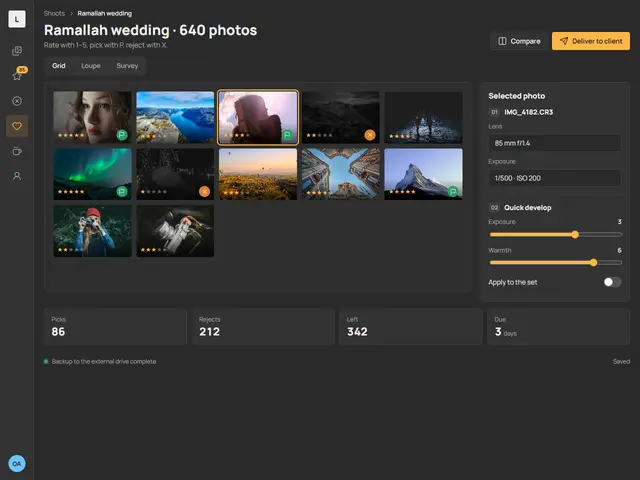
A culling room in a neutral grey that leaves colours alone, amber stars and flags, and a slim icon rail.
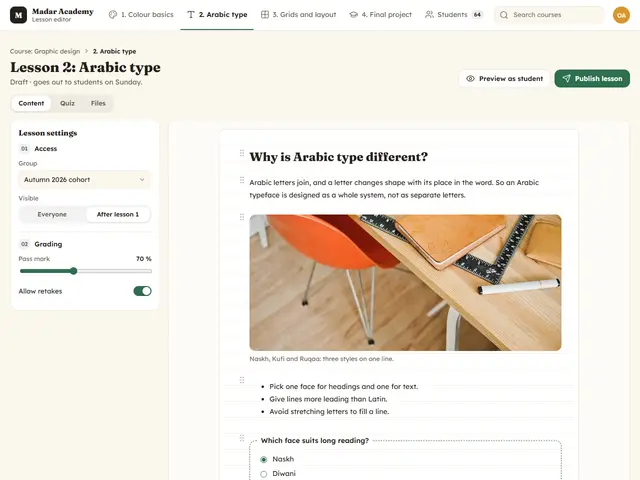
A lesson editor like a warm notebook: a friendly serif for headings, draggable content blocks and a short quiz at the end.
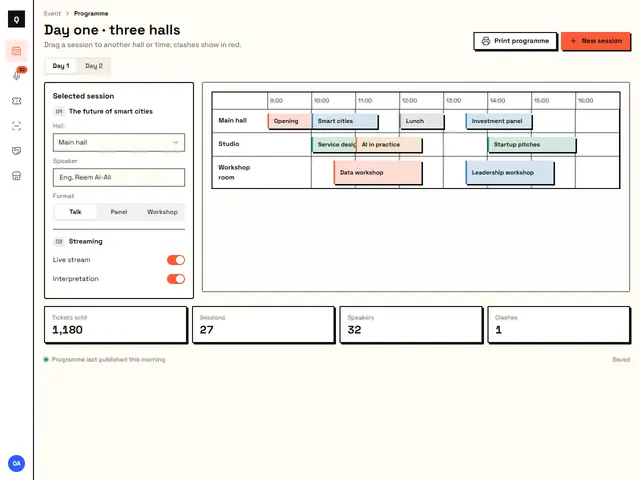
A conference planner in a bold style: thick black borders, pure coral and blue, and halls as lanes across the screen.