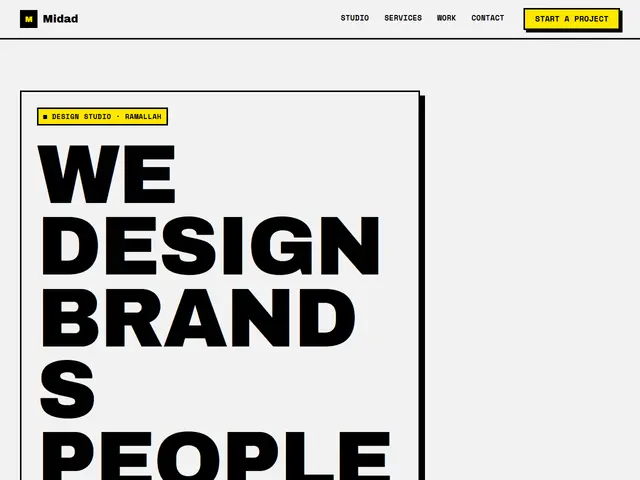

Raw
White, black and loud yellow, thick borders, hard shadows and a headline that fills the screen.
Archivo Black · Space Mono
№ 132 · Brutalist · Demo for App
White, black and signal green, an app without make-up: two phones with thick borders, features in square cards and questions in rows.
Motion: SubtleCorners: 0pxLight
Describe your project and the prompt updates as you type. What you write stays in your browser.
# Build a website in the "Interface" style

You are building a production-ready website. Follow the design system below exactly and adapt the content to the project. The design comes from the Qalib library (design No. 132).

## 1. The project

- Name: [fill in]
- Type of site: [fill in]
- What it does: [fill in]
- Languages: Arabic and English: Arabic first (RTL) and a full English version (LTR) with a language switch
- Pages: One page with sections and anchor links
- Contact details: [fill in]
- Assets: No photos yet: use suitable placeholders and mark each one TODO for replacement.

## 2. Visual reference

- Live demo (Arabic): https://qalib.omardeek.tech/demos/interface/ar.html
- Live demo (English): https://qalib.omardeek.tech/demos/interface/en.html

Each demo is one HTML file with all its CSS in a <style> tag. Download the raw file (for example `curl -s <url>`), not a summary of it, and treat its CSS as the source of truth for spacing, sizes and effects. The demo's business and text are fictional: never copy them.

## 3. Design DNA: Brutalist

Deliberately raw: thick black borders, hard offset shadows, loud colours, massive heavy type and exposed grids. Bold and memorable.

- **Typography:** Very heavy condensed display type at enormous sizes, and a monospace or plain sans for text.
- **Colour:** White or light grey with black, and one or two loud colours (yellow, red, electric blue).
- **Layout:** An exposed grid with black lines, stacked blocks, overlapping elements, tables instead of cards.
- **Shapes:** Always square corners, 3px black borders, a 6–8px offset solid shadow with no blur.
- **Imagery:** High-contrast black-and-white or single-colour photos, cropped hard.
- **Motion:** Direct: shadows that shift on press, a running text band, no soft easing.
- **Details:** Huge numbers, rotated or vertical text, warning labels, underlined links.
- **Avoid:** Soft shadows, gradients, rounded corners, pastel colours.

**This design in particular:** White, black and signal green, an app without make-up: two phones with thick borders, features in square cards and questions in rows.

## 4. Design tokens

```css
:root {
  --bg: #FFFFFF; /* page background */
  --surface: #F0F0F0; /* cards, panels, alternate sections */
  --ink: #000000; /* main text */
  --muted: #4A4A4A; /* secondary text */
  --accent: #00C853; /* buttons, links, highlights */
  --accent2: #FF1744; /* second highlight */
  --line: #000000; /* rules and borders */
  --on-accent: #000000; /* text on the accent colour */
  --radius: 0px;
}
```

- Colour scheme: light
- Fonts (available on Google Fonts and fontsource; self-host them):
  - Arabic headings: Kufam (400, 700, 800)
  - Arabic text: IBM Plex Sans Arabic (400, 600, 700)
  - Latin headings: Space Grotesk (400, 500, 700)
  - Latin text: Space Mono (400, 700)
- Type scale: h1: clamp(2.7rem, 6.2vw, 5.4rem) · h2: clamp(2rem, 4.2vw, 3.3rem) · h3: 1.25rem · text: 17px with 1.7 line height (Arabic 18px and 1.9) · max width 1200px · section spacing clamp(72px, 10vw, 136px)

## 5. Page structure

The demo shows a App. Build the sections with these visual treatments, in this order:

1. **Header**: A sticky bar: logo at the start, then the links, and a call-to-action button at the end; it collapses into a menu button on phones.
2. **Hero**: Text on one side; two phone mockups showing the app screen on the other.
3. **Logos**: a row of client or partner names set as wordmarks
4. **Main offering** «Features»: a grid of cards (photo or icon, title, short text, price or note)
5. **Figures**: four very large numbers that count up as they scroll into view
6. **Process** «How it works»: numbered steps in a row with big numbers
7. **Pricing** «Pricing»: pricing cards with the featured option highlighted, a feature list and a button
8. **Testimonials** «Users»: a wall of testimonial cards in columns
9. **FAQ** «Questions»: an accordion of questions with the first one open
10. **Call to action** «Get Mishwar now»: a huge centred line of text with a button under it
11. **Contact** «Contact»: Contact details and hours on one side; a form (name, phone, message) in a panel on the other.
12. **Footer**: the business name set huge across the footer, above the columns

## 6. Motion

Subtle: elements fade up about 24px as they enter, staggered by 70ms; light lifts on hover.

**Decorations in this design:**
- photographs in black and white
- a faint measurement grid in the background

## 7. Technical requirements

- **Stack:** Choose the stack that fits the project; prefer static HTML, CSS and JavaScript unless it needs more.
- Semantic HTML, mobile first, adapting at 360, 768, 1024 and 1440px, with no horizontal scrolling.
- Arabic: <html lang="ar" dir="rtl">, CSS logical properties (margin-inline-start, inset-inline-end…), mirrored directional icons, never letter-space or uppercase Arabic, and Arabic text at 18px or more.
- Accessibility: WCAG AA contrast, visible focus states, alt text on images, and all motion off under prefers-reduced-motion.
- Performance: self-hosted fonts with font-display: swap and only the weights and subsets in use, WebP or AVIF images with set dimensions, lazy loading below the first screen, and no heavy libraries for simple effects.
- SEO: a title and description for every page, Open Graph, a favicon, and LocalBusiness structured data where relevant.
- Buttons: WhatsApp links as https://wa.me/<number>, phone as tel:, email as mailto:.

## 8. Delivery

1. Start with the tokens and base styles, then build the sections from top to bottom.
2. Compare the result with the live demo at phone and desktop widths before you finish.
3. Finish with how to run the site and how to deploy it.
Paste it into Claude Code inside a new project folder.
White, black and loud yellow, thick borders, hard shadows and a headline that fills the screen.
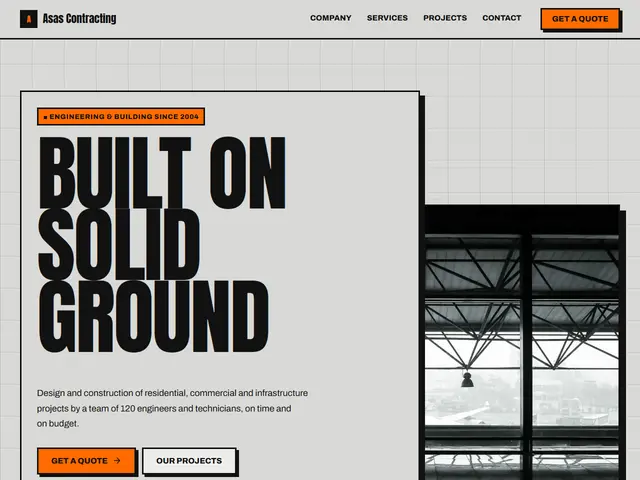

Cement grey, safety orange and condensed type, like a building-site board.
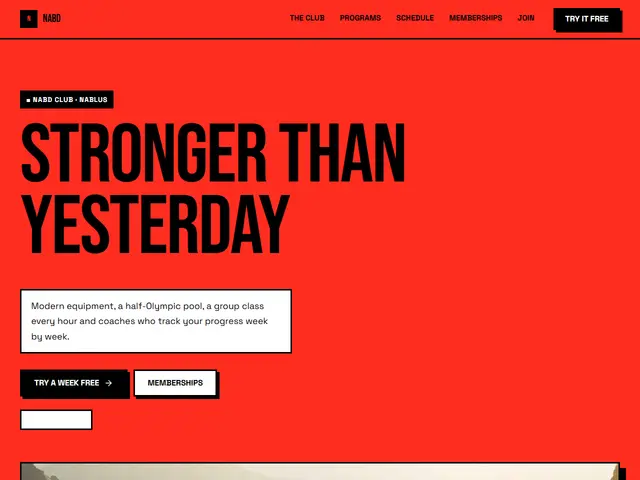

An all-red page with huge black type, relentless energy for a gym.
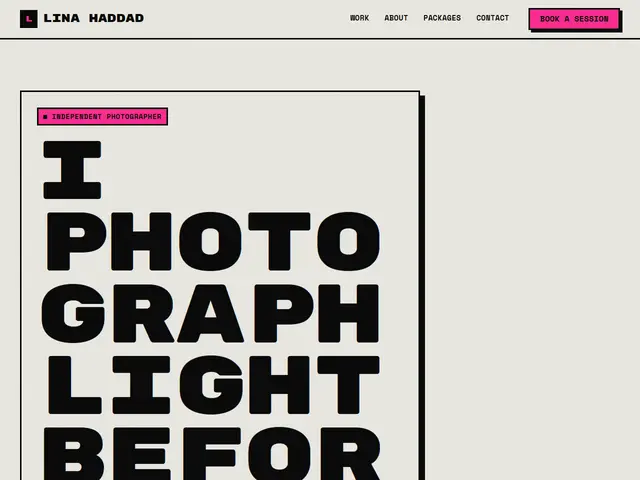

Black-and-white photocopy with a pink touch, like a home-printed art zine.
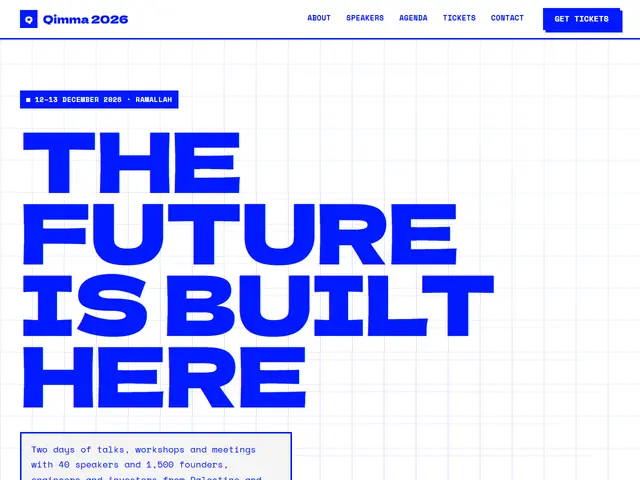

Blue ink on white with an exposed grid, a conference styled like a raw Swiss poster.
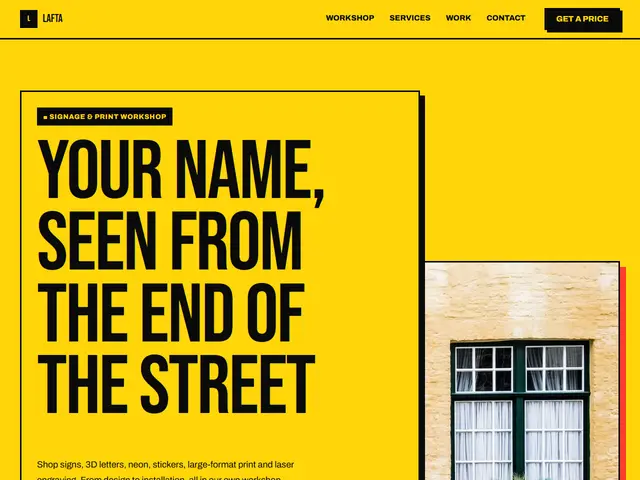

Warning yellow, hazard stripes and wide black, like a road sign you can't ignore.
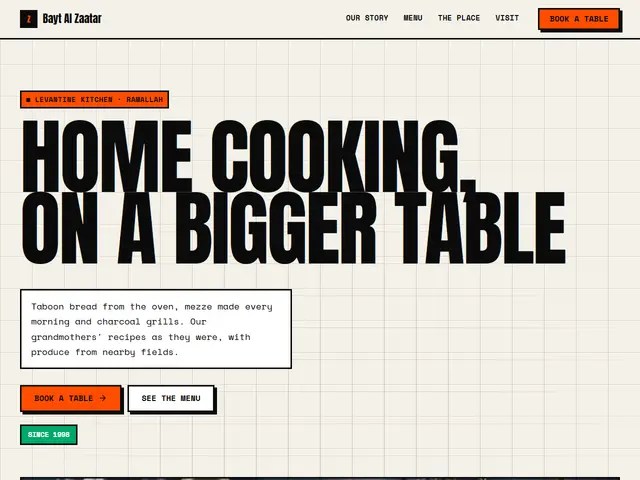

Off-white, fire orange and thick black borders, street food without manners: a full-width headline and the menu as a table.
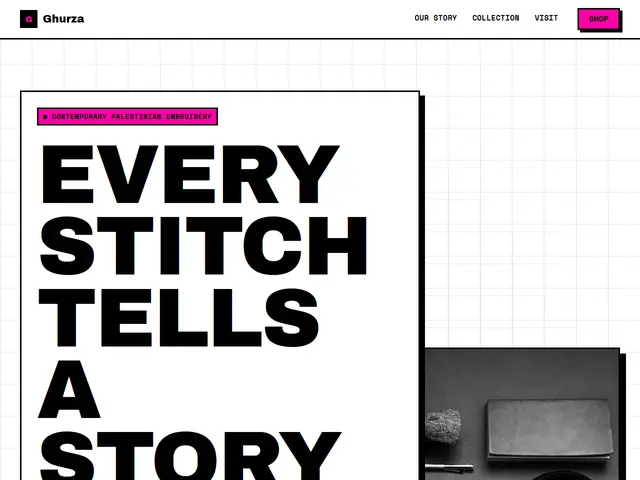

White, black and screaming magenta, a streetwear shop of limited drops: a poster headline, bordered product cards and a size table.
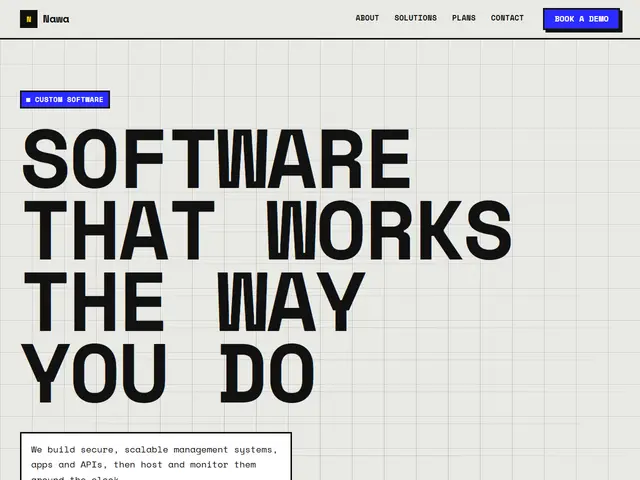

Cement grey, electric blue and yellow, a software company that writes in monospace: a huge headline, services in a table and bordered plans.
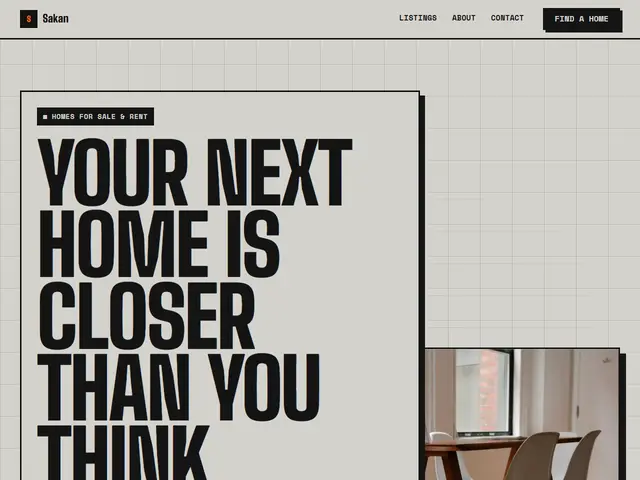

Concrete, black and warning orange, raw industrial lofts: tall condensed letters, listings in a table and text in columns.
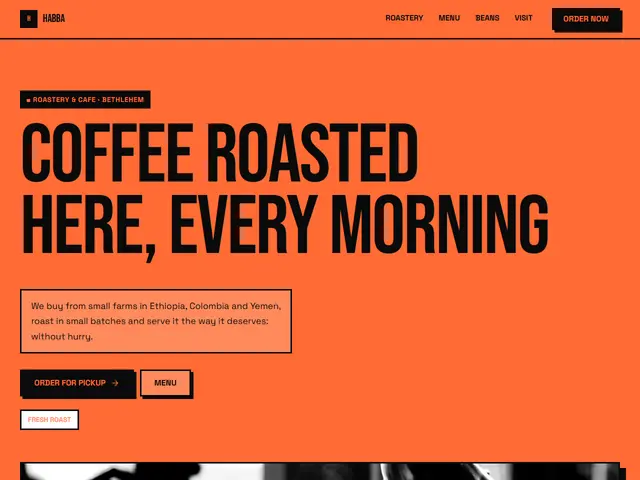

All orange and black, a café that does not apologise: a huge full-width headline, a heavy-ruled menu and photos in a bordered grid.