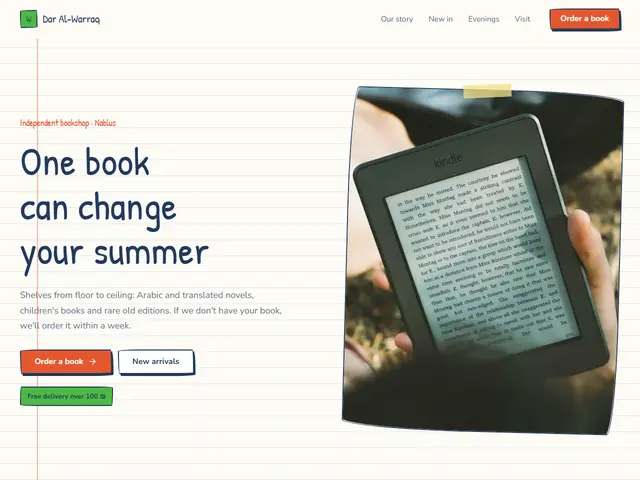

Notebook
Ruled paper, blue ink and tape, a bookshop that writes like a reader's notebook: handwritten notes on every title.
Patrick Hand · Nunito
№ 185 · Hand-drawn · Demo for App
Thick marker lines, cheerful colours and a drawn phone, for a friendly app.
Motion: LivelyCorners: 0pxLight
Describe your project and the prompt updates as you type. What you write stays in your browser.
# Build a website in the "Doodle" style

You are building a production-ready website. Follow the design system below exactly and adapt the content to the project. The design comes from the Qalib library (design No. 185).

## 1. The project

- Name: [fill in]
- Type of site: [fill in]
- What it does: [fill in]
- Languages: Arabic and English: Arabic first (RTL) and a full English version (LTR) with a language switch
- Pages: One page with sections and anchor links
- Contact details: [fill in]
- Assets: No photos yet: use suitable placeholders and mark each one TODO for replacement.

## 2. Visual reference

- Live demo (Arabic): https://qalib.omardeek.tech/demos/doodle/ar.html
- Live demo (English): https://qalib.omardeek.tech/demos/doodle/en.html

Each demo is one HTML file with all its CSS in a <style> tag. Download the raw file (for example `curl -s <url>`), not a summary of it, and treat its CSS as the source of truth for spacing, sizes and effects. The demo's business and text are fictional: never copy them.

## 3. Design DNA: Hand-drawn

Warm and human: handwriting, wobbly drawn borders, doodles and arrows, ruled notebook paper, sticky notes and tape. For learning, crafts and small cafes.

- **Typography:** A clear handwriting face for headings, a simple comfortable text face, key words with a drawn underline.
- **Colour:** Off-white paper, dark blue or pencil-grey ink, and two marker colours (orange, green).
- **Layout:** Slightly rotated elements, sticky notes, drawn arrows linking things, a ruled or grid notebook background.
- **Shapes:** Wobbly borders (uneven border-radius), tape on photo corners, circles drawn around words.
- **Imagery:** Photos that look taped on, simple line drawings.
- **Motion:** Lightly lively: underlines that draw in, a small wiggle on hover.
- **Details:** Drawn arrows and stars, ✓ marks, handwritten side notes.
- **Avoid:** Perfect sharp edges, soft digital shadows, corporate stiffness.

**This design in particular:** Thick marker lines, cheerful colours and a drawn phone, for a friendly app.

## 4. Design tokens

```css
:root {
  --bg: #FFFDF7; /* page background */
  --surface: #FFFFFF; /* cards, panels, alternate sections */
  --ink: #1E1E1E; /* main text */
  --muted: #5A5A5A; /* secondary text */
  --accent: #FF6B6B; /* buttons, links, highlights */
  --accent2: #4ECDC4; /* second highlight */
  --line: #1E1E1E; /* rules and borders */
  --on-accent: #1E1E1E; /* text on the accent colour */
  --radius: 0px;
}
```

- Colour scheme: light
- Fonts (available on Google Fonts and fontsource; self-host them):
  - Arabic headings: Lemonada (400, 700)
  - Arabic text: Readex Pro (300, 400, 600)
  - Latin headings: Permanent Marker (400)
  - Latin text: DM Sans (400, 500, 700)
- Type scale: h1: clamp(2.7rem, 6.2vw, 5.4rem) · h2: clamp(2rem, 4.2vw, 3.3rem) · h3: 1.25rem · text: 17px with 1.7 line height (Arabic 18px and 1.9) · max width 1200px · section spacing clamp(72px, 10vw, 136px)

## 5. Page structure

The demo shows a App. Build the sections with these visual treatments, in this order:

1. **Header**: A sticky bar: logo at the start, then the links, and a call-to-action button at the end; it collapses into a menu button on phones.
2. **Hero**: Text on one side; two phone mockups showing the app screen on the other.
3. **Logos**: a row of client or partner names set as wordmarks
4. **Main offering** «Features»: a grid of cards (photo or icon, title, short text, price or note)
5. **Figures**: a row of four numbers with labels
6. **Process** «How it works»: numbered steps in a row with big numbers
7. **Pricing** «Pricing»: pricing cards with the featured option highlighted, a feature list and a button
8. **Testimonials** «Users»: a wall of testimonial cards in columns
9. **FAQ** «Questions»: an accordion of questions with the first one open
10. **Call to action** «Get Mishwar now»: a full-width coloured band with a heading, a line of text and a button
11. **Contact** «Contact»: A centred heading and text, a large WhatsApp button, contact details in a row and the hours below.
12. **Footer**: a single row: logo and tagline, social icons, copyright

## 6. Motion

Lively: larger 32px reveals, bouncy hovers and gently floating decorations.

**Decorations in this design:**
- a graph-paper background
- service cards use line icons rather than photos
- small ornamental dividers between sections: a hand-drawn squiggle

## 7. Technical requirements

- **Stack:** Choose the stack that fits the project; prefer static HTML, CSS and JavaScript unless it needs more.
- Semantic HTML, mobile first, adapting at 360, 768, 1024 and 1440px, with no horizontal scrolling.
- Arabic: <html lang="ar" dir="rtl">, CSS logical properties (margin-inline-start, inset-inline-end…), mirrored directional icons, never letter-space or uppercase Arabic, and Arabic text at 18px or more.
- Accessibility: WCAG AA contrast, visible focus states, alt text on images, and all motion off under prefers-reduced-motion.
- Performance: self-hosted fonts with font-display: swap and only the weights and subsets in use, WebP or AVIF images with set dimensions, lazy loading below the first screen, and no heavy libraries for simple effects.
- SEO: a title and description for every page, Open Graph, a favicon, and LocalBusiness structured data where relevant.
- Buttons: WhatsApp links as https://wa.me/<number>, phone as tel:, email as mailto:.

## 8. Delivery

1. Start with the tokens and base styles, then build the sections from top to bottom.
2. Compare the result with the live demo at phone and desktop widths before you finish.
3. Finish with how to run the site and how to deploy it.
Paste it into Claude Code inside a new project folder.
Ruled paper, blue ink and tape, a bookshop that writes like a reader's notebook: handwritten notes on every title.
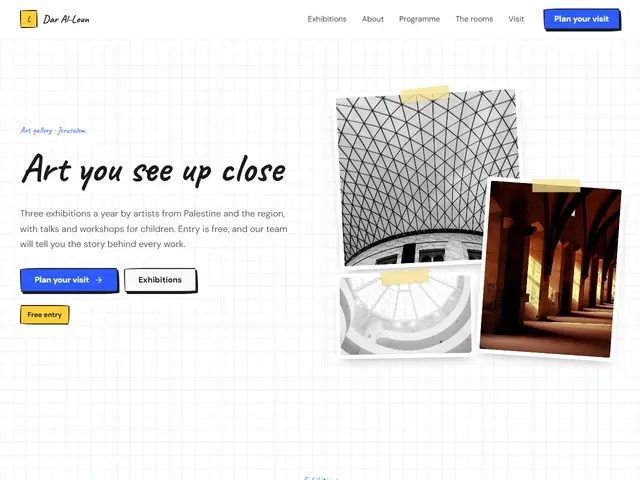

Pen-drawn borders and sticky notes on graph paper, a gallery that loves first drafts: workshops, sketches and a collage up top.
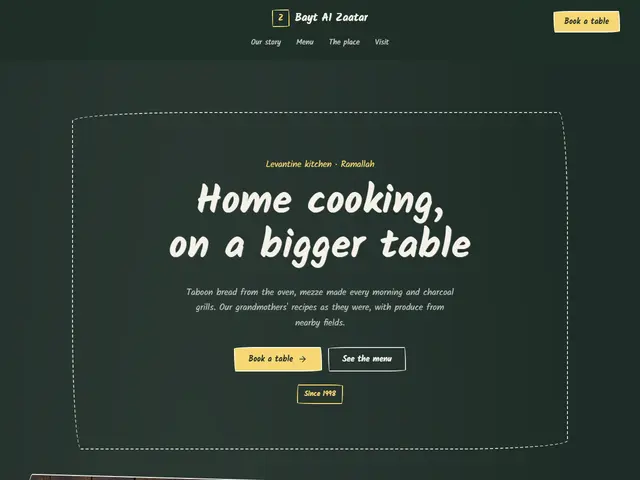

A green chalkboard in white and yellow chalk, with a handwritten menu.
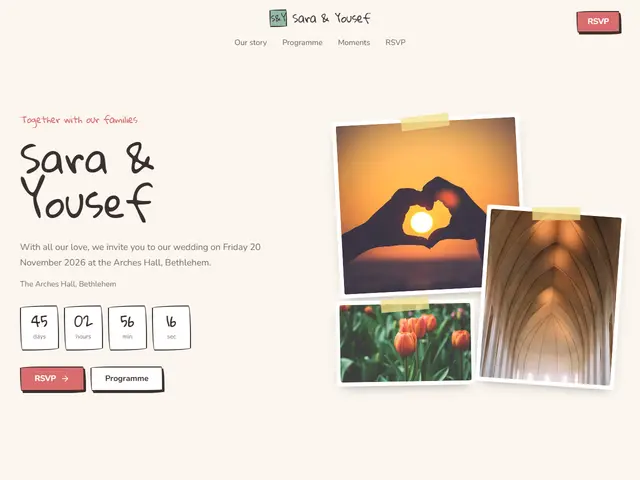

Taped-in photos and handwriting, like a couple's memory album.
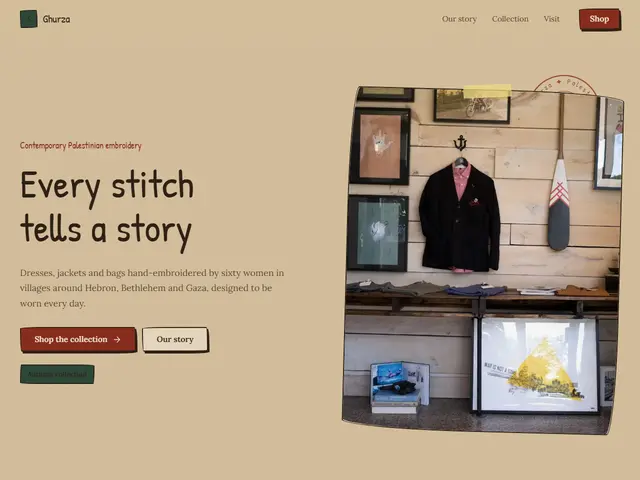
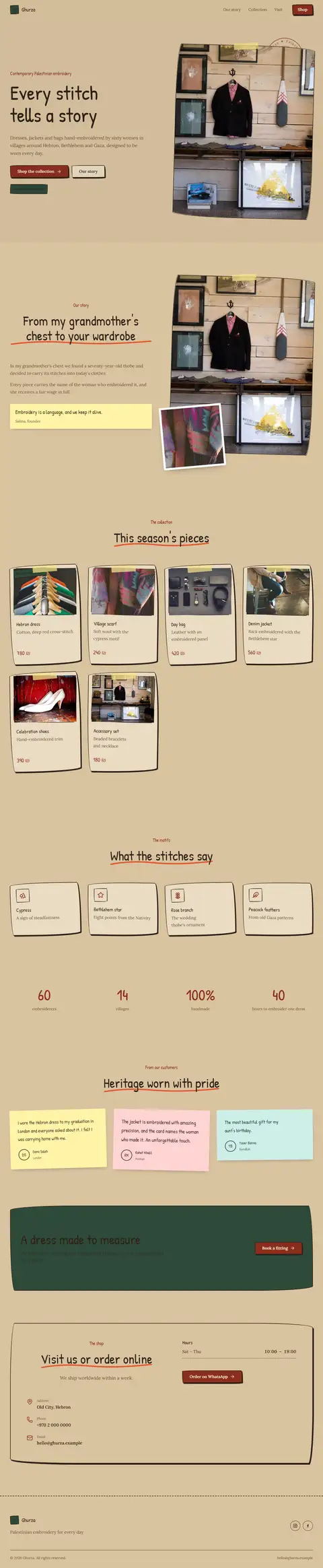
Brown kraft paper, stamps and string, for a handmade goods shop.
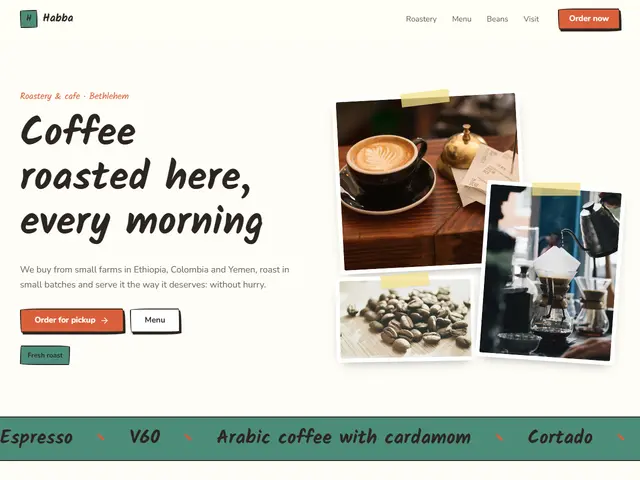

White paper, orange and green, a café drawn in a sketchbook: photos stuck down with tape, a handwritten menu and scribbles between sections.
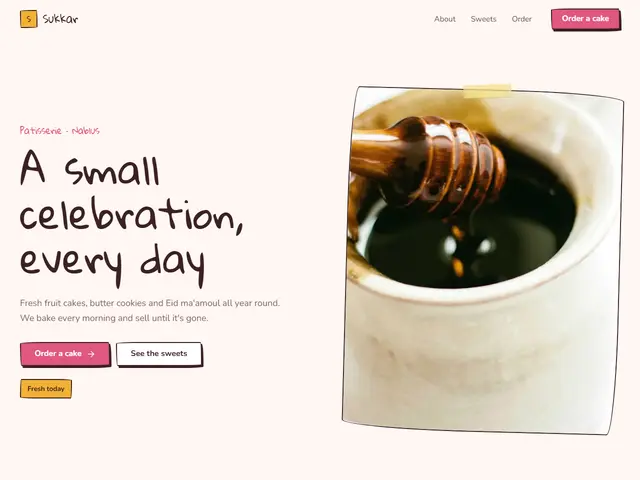
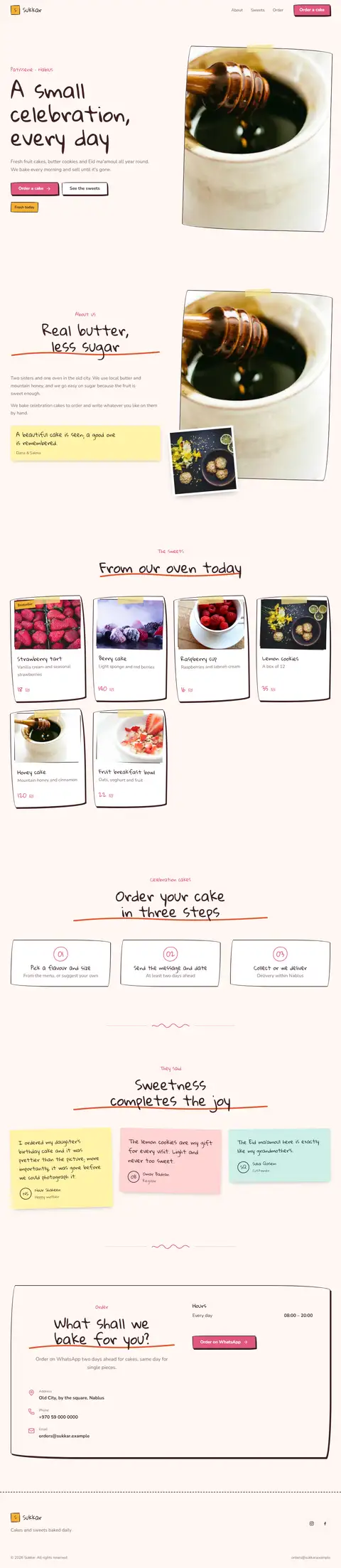
Light pink, fuchsia and yellow, sweets drawn in coloured pencil: a handwritten headline, sweets in taped cards and the ordering steps.
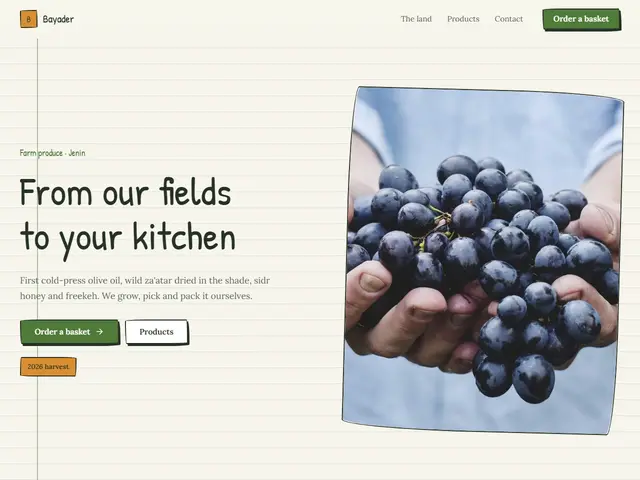
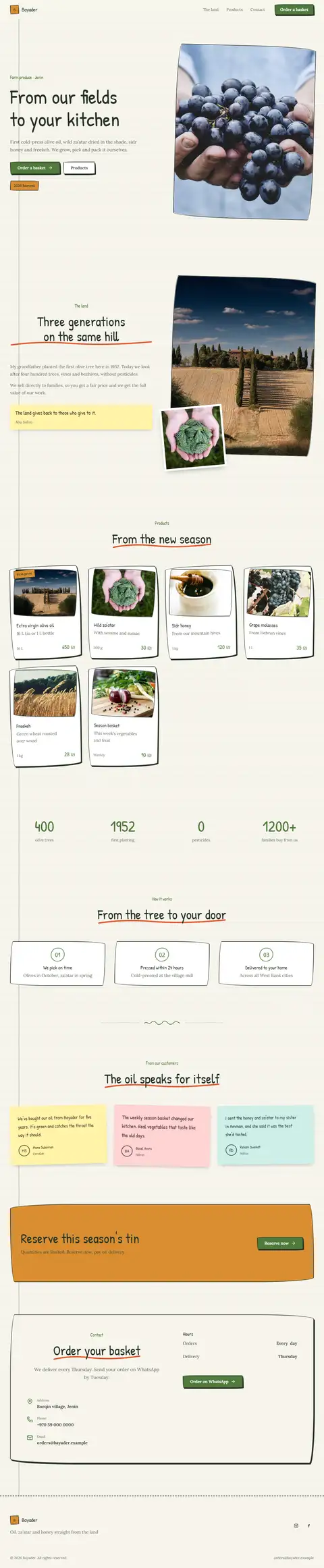
Ruled paper, leaf green and orange, a farm keeping its diary: notebook lines, produce in cards and the growing stages in handwriting.
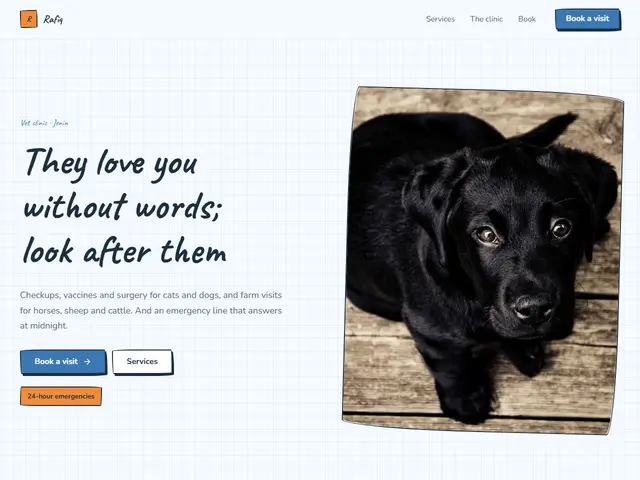

Bluish white, blue and orange, a vet who explains with drawings: light graph paper, drawn icons and the first visit in simple steps.
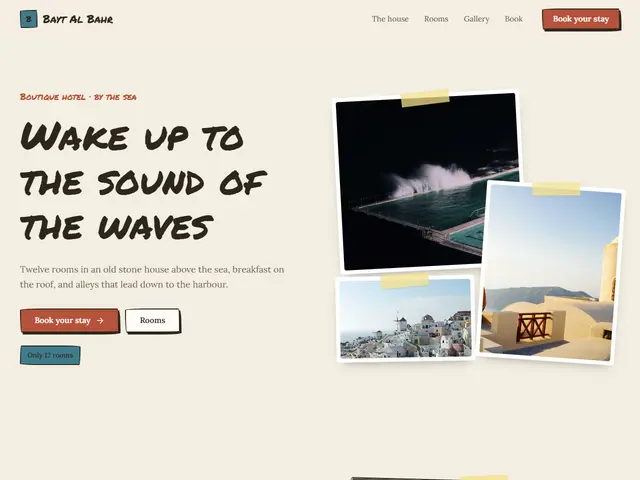

Kraft paper, brick red and sea blue, a hotel in a travel diary: stuck-in photos, a thick-marker headline and rooms in cards.
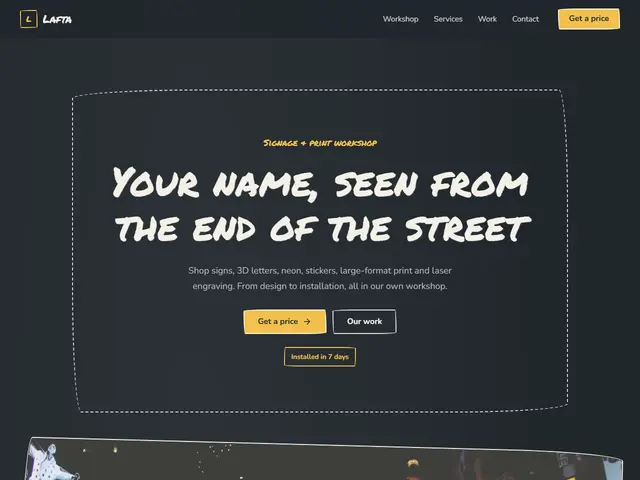

Slate, chalk yellow and coral, a hand-lettering workshop: everything in chalk, a frame around the headline and work on a wall.